How to Calculate Profit Margin (Gross, Net and Markup) with Simple Examples
By kabeer Ahmad on
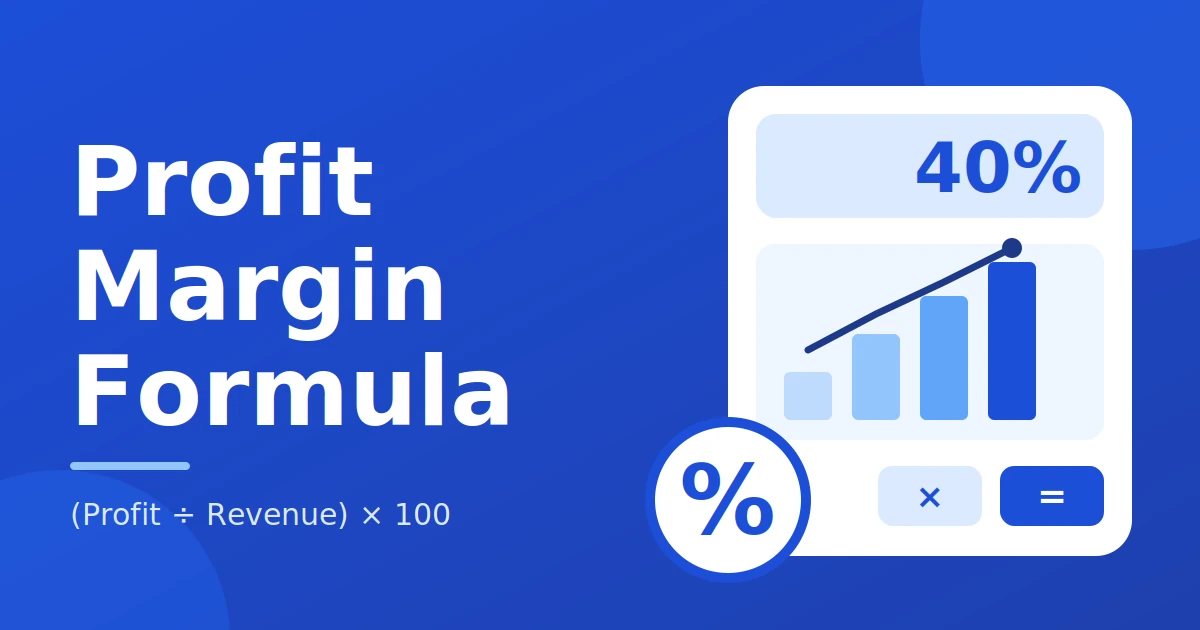
Learn how to calculate profit margin with simple formulas for gross margin, net margin and markup. Includes a worked example and a free calculator.
Profit margin shows how much of every sale you actually keep. If you run a small shop, sell online or study business, your margin helps you set fair prices and spot problems early. In this guide, you will learn how to calculate profit margin step by step. We cover gross margin, net profit margin and markup using one simple example. No finance background is needed.
What Is Profit Margin?
Profit margin is the part of your sales that turns into profit, shown as a percentage. There are three numbers every beginner should know:
- Gross margin is the percentage of revenue left after you pay for the product itself.
- Net margin is the percentage of revenue left after you pay all costs, including shipping, ads, fees and tax.
- Markup is how much you add on top of your cost to get your selling price, shown as a percentage of cost.
Profit Margin Formulas
Here is the gross margin formula and the other formulas you need.
Gross profit = Revenue − Cost of goods sold
Gross margin % = (Gross profit ÷ Revenue) × 100
Net profit = Revenue − All costs (product, shipping, ads, fees, tax)
Net margin % = (Net profit ÷ Revenue) × 100
Markup % = ((Price − Cost) ÷ Cost) × 100
Revenue is the price the customer pays. Cost of goods sold (COGS) is what you paid for the product.
How to Calculate Profit Margin Step by Step
- Write down your selling price (revenue).
- Subtract the product cost to get gross profit.
- Divide gross profit by revenue and multiply by 100. That is your gross margin.
- Subtract every other cost, such as shipping, ads and fees, to get net profit.
- Divide net profit by revenue and multiply by 100. That is your net profit margin.
New to percentages? Read our guide on how to calculate percentage.
Simple Worked Example
Say you sell one item for 100. The item costs you 60. Shipping is 5, ads are 8 and fees are 2, so your other costs total 15.
| Item | Calculation | Result |
|---|---|---|
| Selling price (revenue) | Given | 100 |
| Product cost | Given | 60 |
| Gross profit | 100 − 60 | 40 |
| Gross margin | 40 ÷ 100 × 100 | 40% |
| Markup | (100 − 60) ÷ 60 × 100 | 66.7% |
| Other costs | 5 + 8 + 2 | 15 |
| Net profit | 100 − 60 − 15 | 25 |
| Net margin | 25 ÷ 100 × 100 | 25% |
Why margin (40%) and markup (66.7%) are different
Both numbers use the same profit of 40. The only difference is what you divide by. Margin divides profit by the selling price (100), so you get 40%. Markup divides profit by the cost (60), so you get 66.7%. Because the cost is always smaller than the price, markup is always a bigger number than margin for the same sale. That is why mixing them up can lead to prices that are too low.
Markup vs margin quick guide
| Markup | Gross margin |
|---|---|
| 25% | 20% |
| 50% | 33.3% |
| 100% | 50% |
| 200% | 66.7% |
Free Profit Margin Calculator
Enter your selling price, product cost and other costs to get your gross profit, gross margin, markup, net profit and net margin. Use the example numbers (100, 60 and 15) to check you get 40%, 66.7% and 25%.
Want to turn a target margin into a selling price? Try our reverse percentage calculator. To see how a price rise changes your numbers, use the percentage increase calculator.
Common Profit Margin Mistakes
- Mixing up margin and markup. A 50% markup gives only a 33.3% margin, not 50%.
- Forgetting shipping and ad costs. These can turn a good gross margin into a thin net margin.
- Ignoring VAT. VAT is not your income, so it should not be counted as revenue.
- Calculating margin on cost instead of revenue. Margin always divides by the selling price.
Quick Tip: Remove VAT First
If your prices include VAT, remove it before you calculate margin. For example, a price of 120 with 20% VAT is really 100 of revenue. Use our VAT calculator to get the net price in seconds, then use that number in the margin calculation.
Frequently Asked Questions
What is a good profit margin?
It depends on your industry. Many online sellers aim for a gross margin of 30% to 50% and a net margin of around 10% or more. Compare yourself with businesses like yours, not with every industry.
Is margin the same as markup?
No. Margin is profit divided by the selling price. Markup is profit divided by the cost. For the same sale, markup is always the bigger percentage.
How do I raise my margin?
You can raise your price, lower your product cost or cut other costs like shipping and ads. Even a small change helps. Ask suppliers for better rates and track which ads actually bring sales.
How do I calculate margin after a discount?
Subtract the discount from the price first, then use the new price as revenue. With a 20% discount, a 100 item sells for 80. Gross profit is 80 − 60 = 20, so gross margin falls from 40% to 25%. The discount calculator finds the sale price for you.
Conclusion
Now you know how to calculate profit margin, net profit margin and markup. Start with your price and costs, then let the calculator do the work. Check your margin before every sale or discount. Try the percentage calculator and our other free tools today.
Related percentage calculators
Use a focused calculator when your question needs a different baseline or a price-specific formula.
Percentage Increase Calculator
Measure how much a value has grown from its starting point.
Percentage Decrease Calculator
Work out the percentage reduction from an original value.
Percentage Difference Calculator
Compare two values when neither one is the original baseline.
Reverse Percentage Calculator
Find an original amount from a final value and percentage.
Discount Calculator
Calculate the amount saved and the final sale price.
VAT Calculator
Add VAT to a net price or remove it from a gross total.